
Auto Clicker
Tools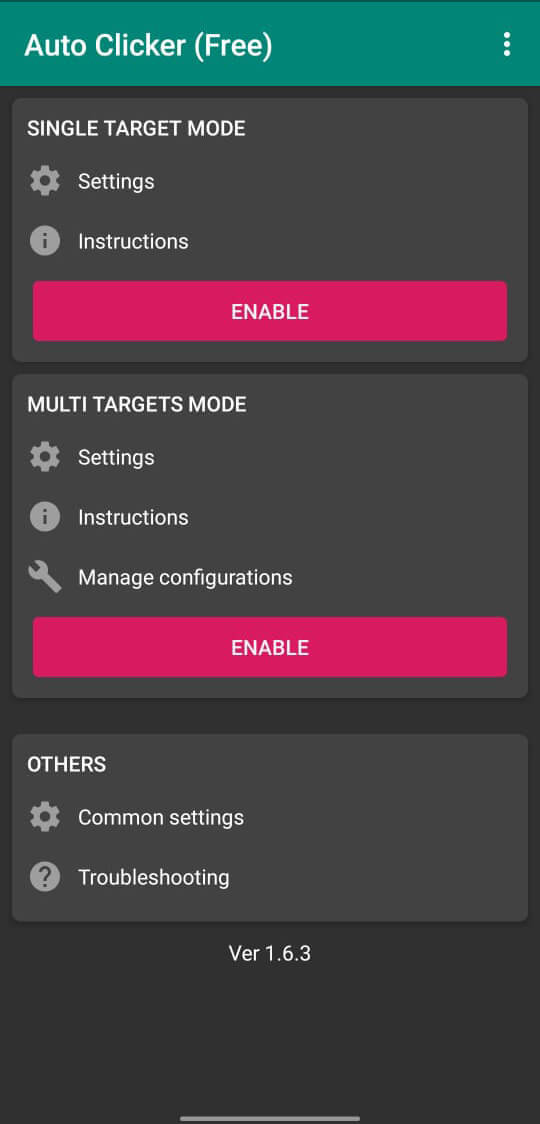
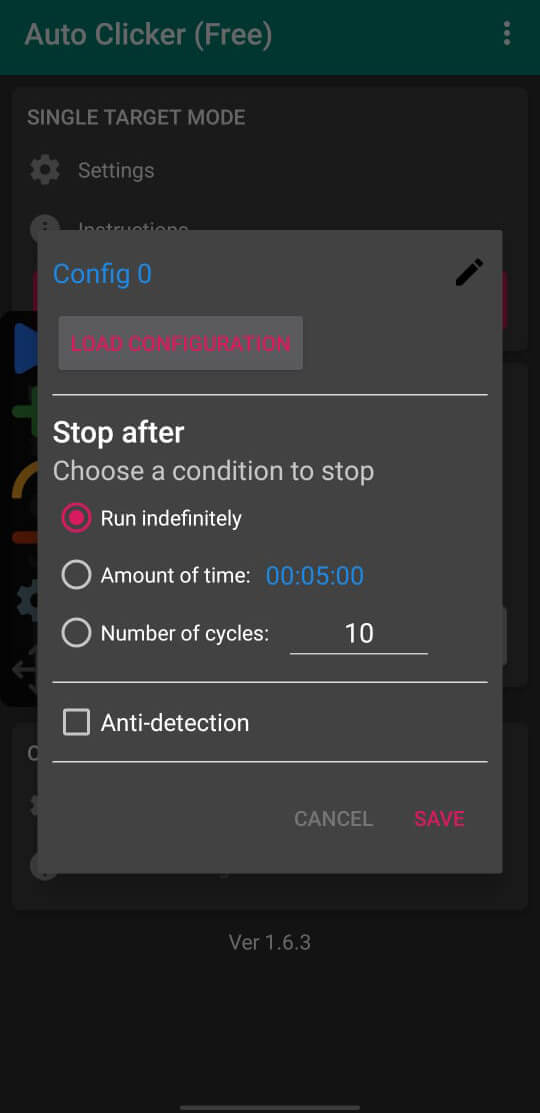
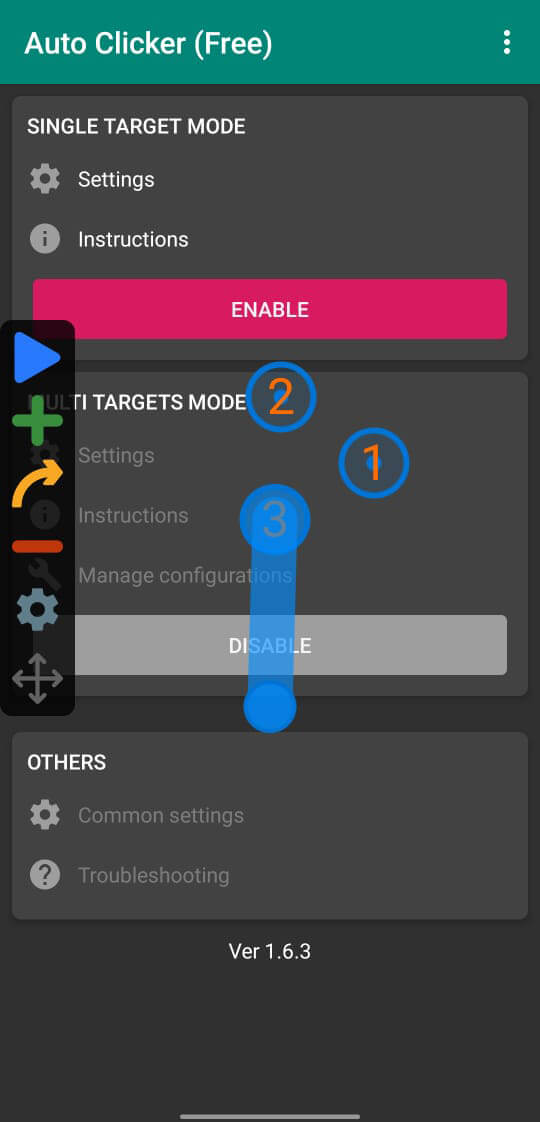
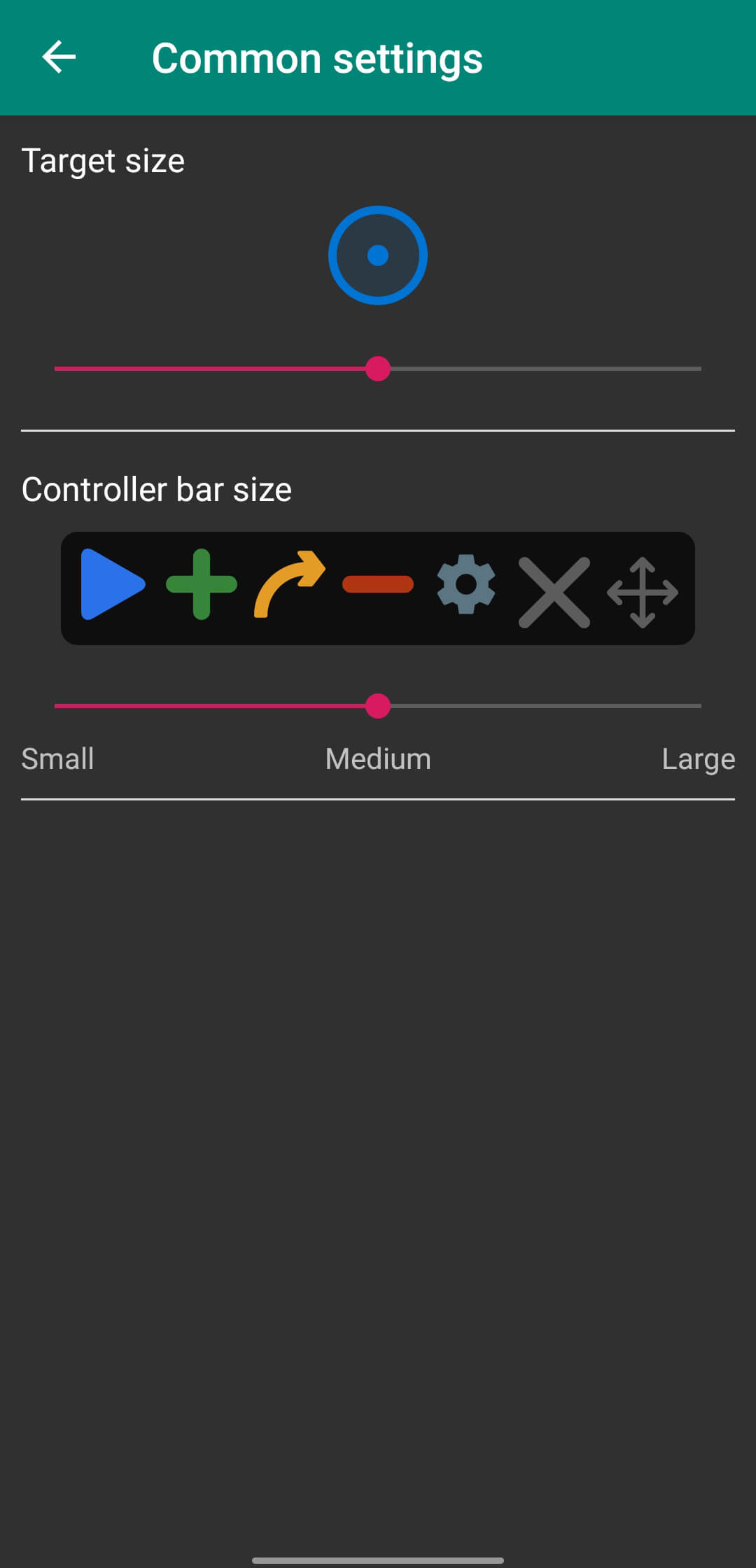

Auto Clicker is a lightweight utility that lets you automate screen taps on Android devices. It records a tap position and repeats the action at intervals you define, which can be handy for games, testing, or repetitive tasks.
This page gives you the latest version details, a step‑by‑step install guide, compatibility notes, and practical tips for getting the most out of the app.
Quick Information
| App/Game Name | Auto Clicker |
| Latest Version | 2.3.0 |
| Developer | Not listed |
| Category | Apps / Tools |
| App Size | 4.28 MB |
| Package Name | com.truedevelopersstudio.automatictap.autoclicker |
| Last Updated | 1 October 2026 |
What Is Auto Clicker?
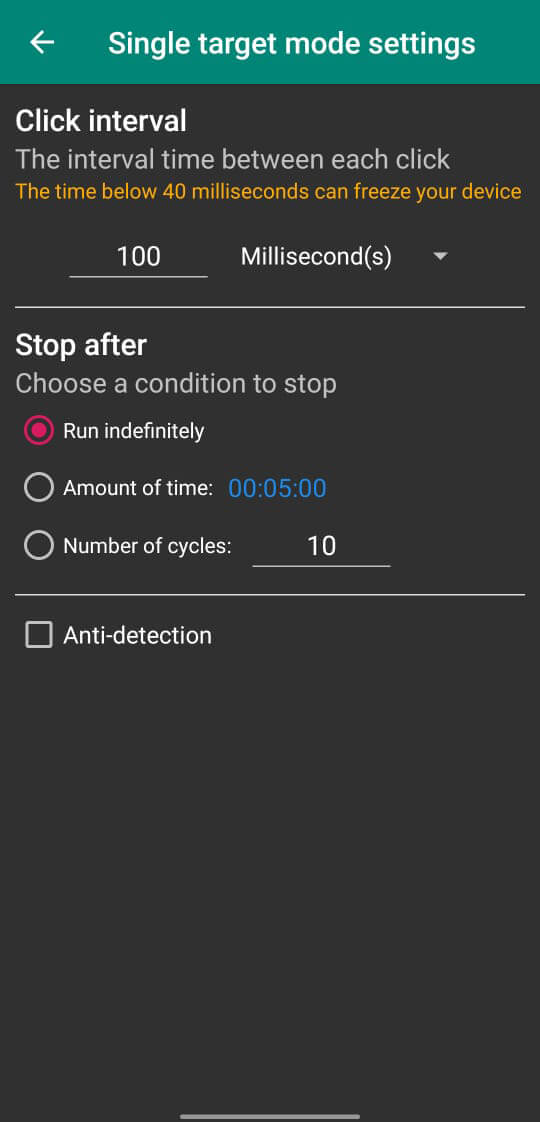
Auto Clicker records a single tap (or multiple taps) anywhere on your screen and replays it automatically based on a time interval you set. Core capabilities include:
- Specify exact screen coordinates for the tap.
- Choose a repeat interval from milliseconds to several seconds.
- Run multiple tap sequences in a single session.
- Start and stop the automation with a floating widget.
The app is aimed at users who need hands‑free interaction—gamers, developers testing UI, or anyone performing repetitive actions. It requires the standard Android accessibility permission to simulate taps, and it may not work on apps that block synthetic input for security reasons.
Compatibility
| Android Version | ✓ Verified — Android 7.0 and later |
| Architecture (ARM64 / 32-bit) | ✓ Verified — Supports common device architectures |
| Internet Connection | ✓ Verified — May be required for ads, updates, or login |
| Storage Needed | Not Verified |
| OBB/Data Files | Not Verified |
| Root Required | Not Verified |
How to Install
- Allow installation from unknown sources: Settings → Security → Enable “Install unknown apps” for your browser or file manager.
- Download the Auto Clicker APK file to your device.
- Open the downloaded file and tap Install.
- After installation, launch Auto Clicker and grant the required Accessibility permission when prompted.
- Configure your tap coordinates and interval, then press the floating start button to begin automation.
Troubleshooting
- App not installed: Ensure unknown sources are enabled and that the APK is fully downloaded.
- Crashes on startup: Verify your Android version is at least 5.0; clear app data and try reinstalling.
- Taps not registering: Double‑check that the Accessibility service is active and that the target app does not block simulated input.
- Floating widget disappears: Some battery‑saving modes close overlay windows; disable aggressive battery optimization for Auto Clicker.
Safety & Security
Auto Clicker is an unmodified APK from an unknown developer, so exercise usual caution. Install only from a trusted source, scan the file with an antivirus app, and review the permissions it requests. The app needs Accessibility access to simulate taps, which can potentially be misused by malicious software. Avoid entering personal or financial information while the automation is active, and keep a backup of the original APK in case future updates cause issues.
How Auto Clicker Compares
| Feature | Auto Clicker | Click Assistant | MacroDroid |
|---|---|---|---|
| Price / Free model | Free | Free with ads / Premium | Free with limited macros / Premium |
| Platform availability | Android only | Android only | Android only |
| Standout feature | Simple tap‑record & repeat | Multi‑tap patterns & gesture support | Full automation with triggers, conditions, and actions |
| Best for | Quick, single‑tap automation | Games and apps needing complex tap sequences | Power users who want extensive task automation |
Alternatives
If Auto Clicker doesn’t meet all your needs, consider these well‑known tools:
- Click Assistant – Offers multi‑tap patterns, swipe gestures, and a built‑in macro recorder.
- MacroDroid – A broader automation platform that can trigger actions based on events, location, or time.
- Easy Touch – Provides floating shortcuts and simple tap automation with a user‑friendly interface.
Final Verdict
Auto Clicker is a straightforward, free utility for anyone who needs basic tap automation without extra bells and whistles. It works well on most Android versions, but its simplicity means it lacks advanced features like gesture recording or conditional triggers. Verify the source, grant only the necessary permissions, and you’ll have a handy tool for repetitive tasks.
Frequently Asked Questions
The APK is unmodified and comes from an unknown developer, so scan it with an antivirus app and only install from a trusted source.
Auto Clicker works on Android 5.0 (Lollipop) and newer.
No, the app uses the standard Accessibility service and does not require root.
It works with most apps, but some games or security‑focused apps may block simulated taps.
Make sure you have enabled installation from unknown sources and that the APK is fully downloaded.
Tap the floating stop button that appears on the screen, or disable the Accessibility service in Settings.
Version 2.3.0, released on 1 October 2026, is the latest version currently available.
This build is the official version; no MOD features are included.